
Generate textures for SpriteKit using Core Graphics.
One of the first things I wanted to do in SpriteKit is to customize the background. I wanted a background that looks like a grid. How could I do that? I could create an image with Pixelmator or Figma and import it in SpriteKit. But I needed to iterate quickly on the look of the grid, and generating large repetitive patterns is not that trivial with drawing software.
Suppose we want to generate a grid to display as a background in SpriteKit, how would we do it programmatically? We can use Core Graphics:
func generateGridTexture(cellSize: CGFloat, rows: Int, cols: Int) -> SKTexture? {
    /// Add 1 to the height and width to ensure the borders are within the sprite
    let size = CGSize(width: CGFloat(cols) * cellSize + 1, height: CGFloat(rows) * cellSize + 1)

    let renderer = UIGraphicsImageRenderer(size: size)
    let image = renderer.image { ctx in

        let bezierPath = UIBezierPath()
        let offset: CGFloat = 0.5

        /// vertical lines
        for i in 0...cols {
            let x = CGFloat(i) * cellSize + offset
            bezierPath.move(to: CGPoint(x: x, y: 0))
            bezierPath.addLine(to: CGPoint(x: x, y: size.height))
        }
        /// horizontal lines
        for i in 0...rows {
            let y = CGFloat(i) * cellSize + offset
            bezierPath.move(to: CGPoint(x: 0, y: y))
            bezierPath.addLine(to: CGPoint(x: size.width, y: y))
        }

        /// stroke style
        SKColor.black.setStroke()
        bezierPath.lineWidth = 1

        /// draw
        bezierPath.stroke()
    }

    /// return a texture that SpriteKit can use
    return SKTexture(image: image)
}
We can then use that function to make a SKSpriteNode:
if let gridTexture = generateGridTexture(cellSize: 60, rows: 20, cols: 20) {
let gridbackground = SKSpriteNode(texture: gridTexture)
addChild(gridbackground)
}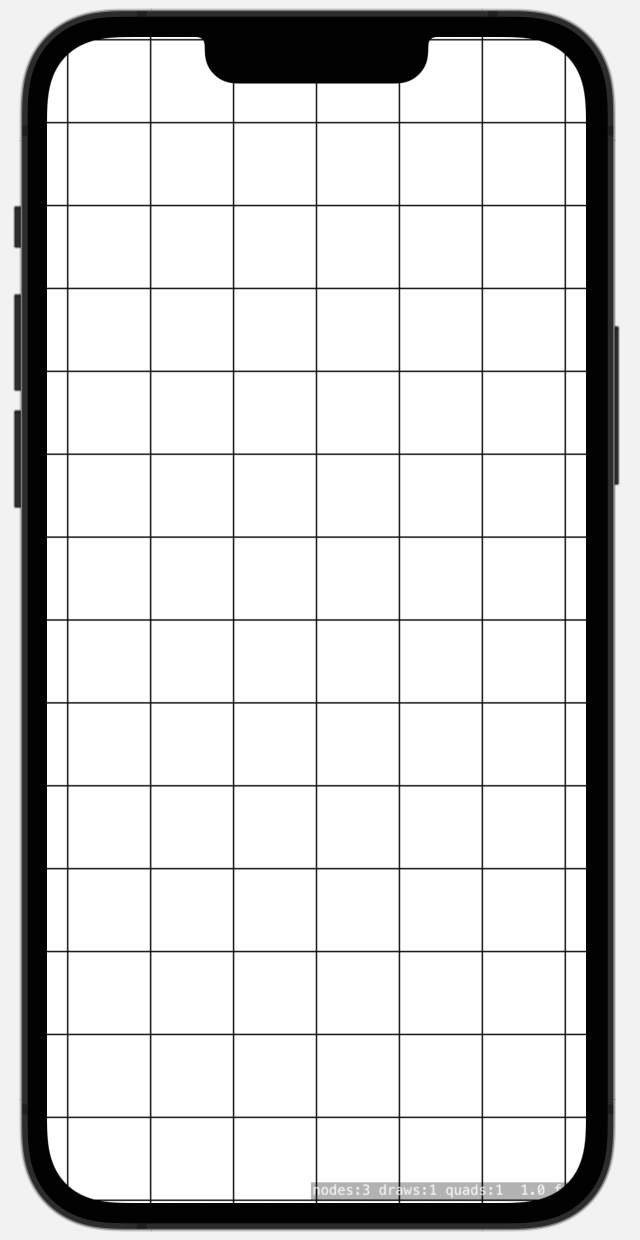 Media unavailable: SpriteKit-CoreGraphics-Gid.png
Here is another Core Graphics function that generates a checkerboard texture:
func generateCheckerboardTexture(cellSize: CGFloat, rows: Int, cols: Int) -> SKTexture? {
let size = CGSize(width: CGFloat(cols) * cellSize, height: CGFloat(rows) * cellSize)
let renderer = UIGraphicsImageRenderer(size: size)
let image = renderer.image { ctx in
let context = ctx.cgContext
/// Draw checkerboard cells
for row in 0..<rows {
for col in 0..<cols {
/// Determine cell color: black for even sum of indexes, white for odd
let isBlackCell = ((row + col) % 2 == 0)
context.setFillColor(isBlackCell ? SKColor.black.cgColor : SKColor.white.cgColor)
/// Calculate cell frame
let cellFrame = CGRect(
x: CGFloat(col) * cellSize,
y: CGFloat(row) * cellSize,
width: cellSize,
height: cellSize
)
/// Fill cell
context.fill(cellFrame)
}
}
}
return SKTexture(image: image)
}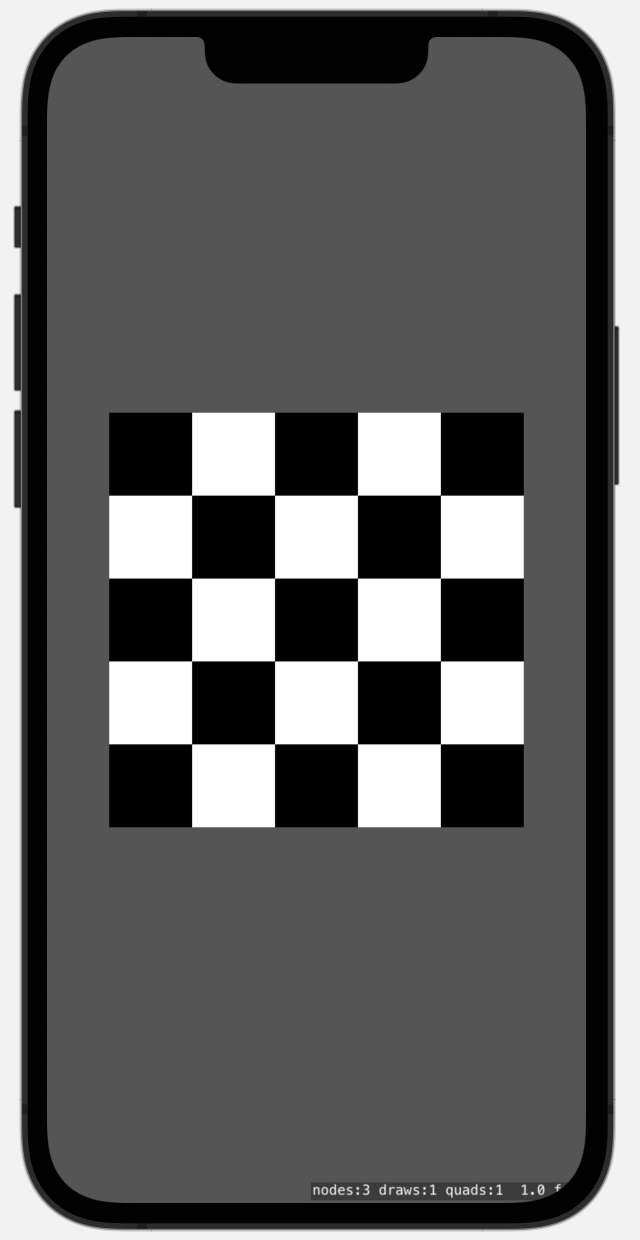 Media unavailable: SpriteKit-CoreGraphics-Checkerboard.png
In both cases, we get a sprite node, i.e. a node that draws a bitmap image. This is recommended in SpriteKit, as SKSpriteNode offer the best performance, and SpriteKit is a raster renderer anyway (zooming with a camera won't re-render shapes vector-like).
Mind you that Core Graphics is a framework optimized for quality rather than performance. It is not meant to produce images 60 or 120 times per second.